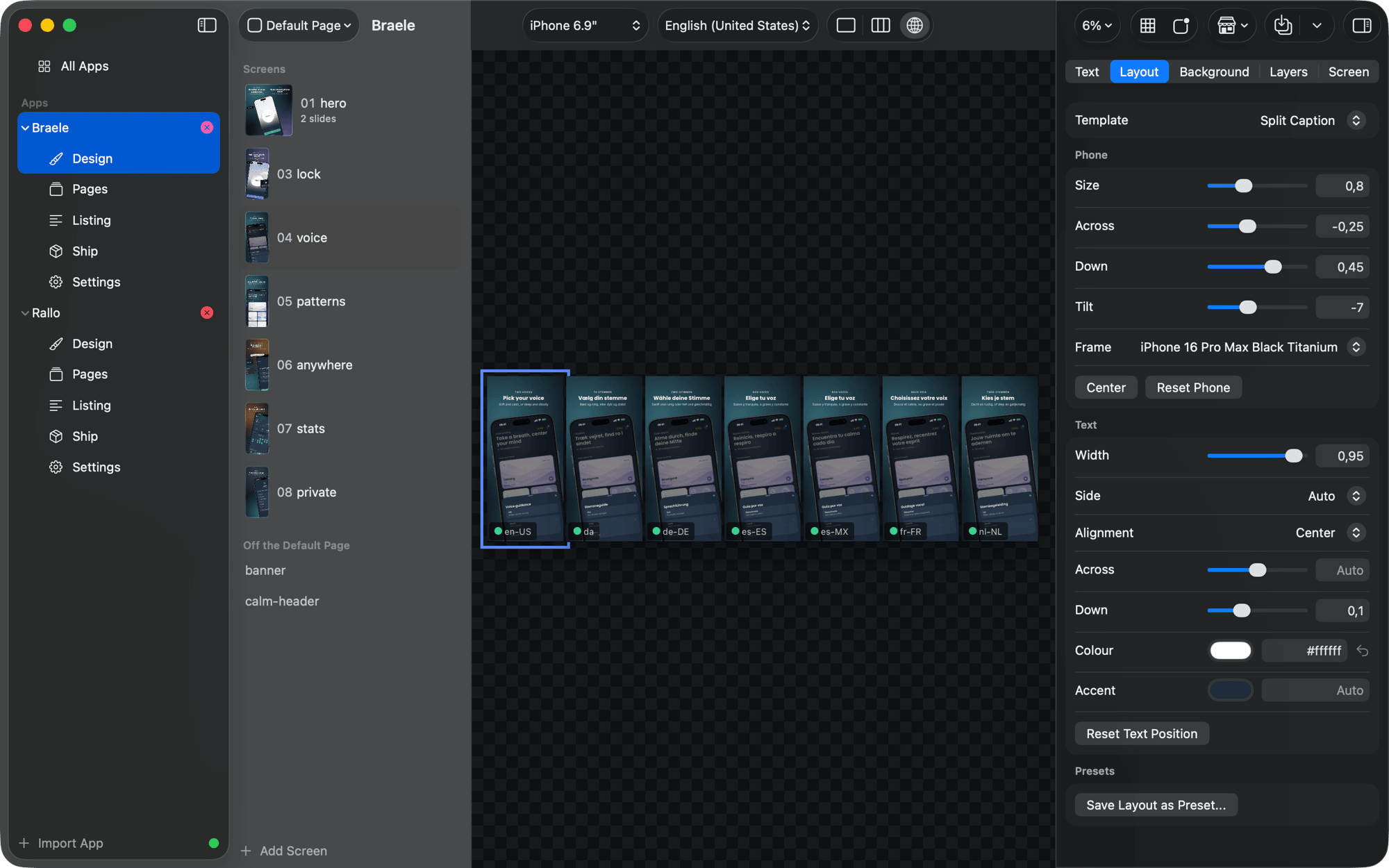
Views
One screen, the whole strip as the store shows it, or one screen in every language.
The view buttons in the toolbar (Shift-Command-1, 2 and 3) change what the canvas shows. Each one is the same live render the files are made from.
One
One screen at a time, as large as the window allows. Option-Command-Up and Down step through the screens.
Strip
Every screen of the page side by side, the way the store shows them. Use it to read the page as a visitor would, and for art and backgrounds that run on from one screen to the next.
Live Listing puts what the App Store shows today under your drafts, for the storefront country you pick: the quickest way to see what a release will change.
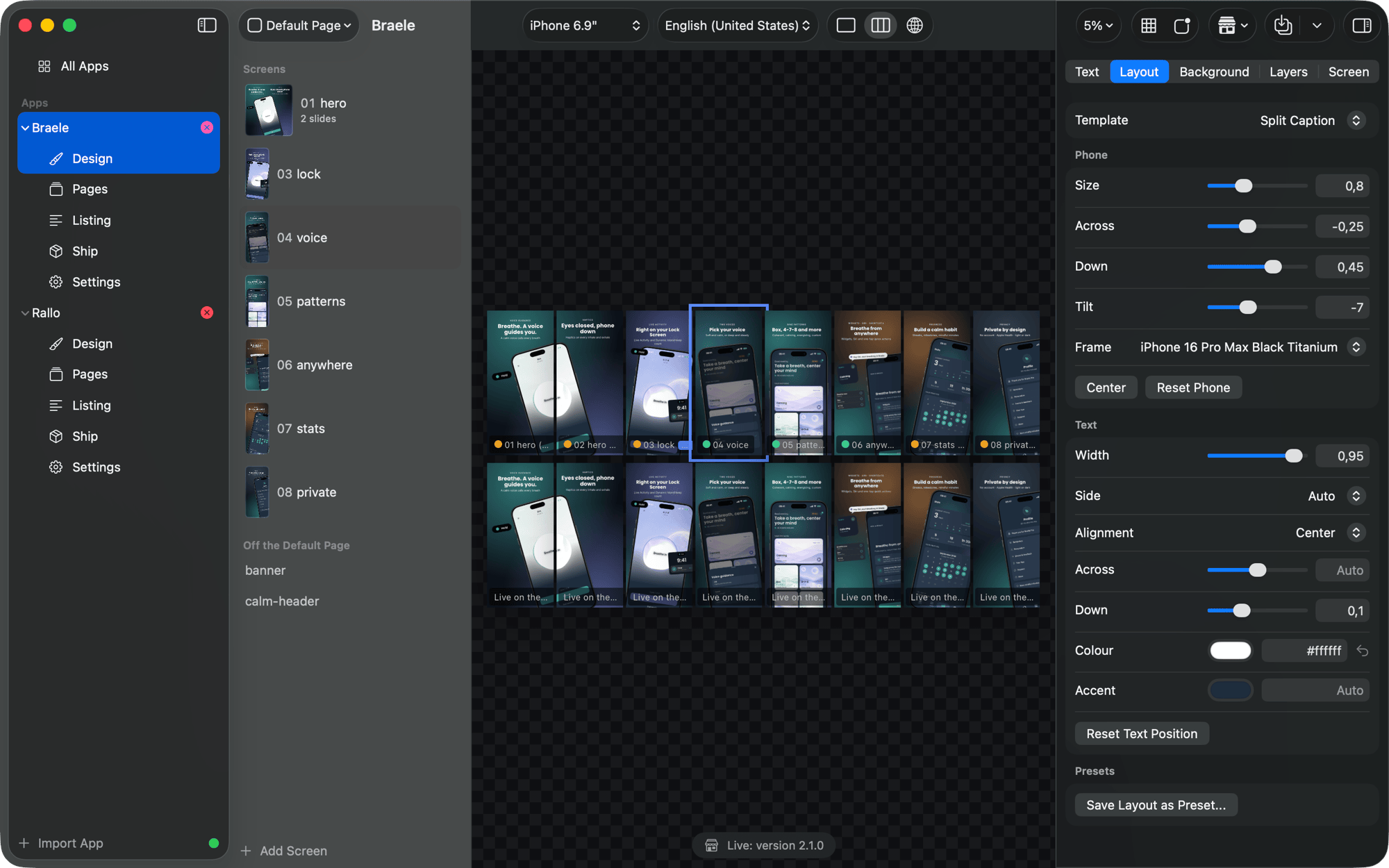
The strip shows only the screens that make screenshots for the device shown. A screen made only for the header, search results or event images stays out of the iPhone strip, by the same rule Generate uses.
Languages
One screen in every language at once. It is the quickest way to catch the translation that runs long, the one that falls back to a smaller size, or a missing glyph.