Store text
Name, subtitle, keywords and the rest of the listing, per language, held to Apple's limits.
Listing (Command-3) edits the store text of every language, read from and written to
fastlane/metadata/<locale>/*.txt, where fastlane's deliver uploads it.
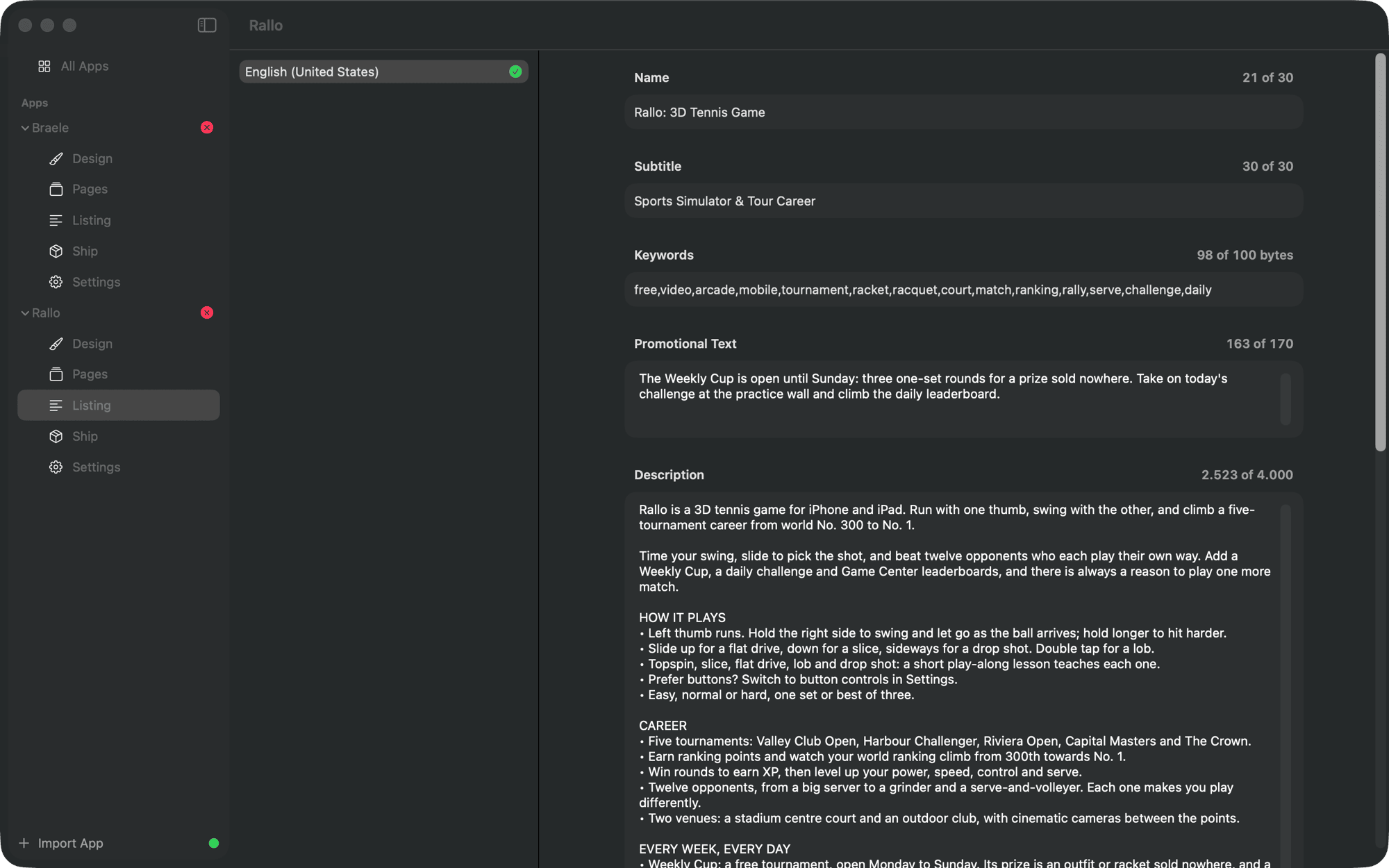
| Field | File | Limit |
|---|---|---|
| Name | name.txt | 30 |
| Subtitle | subtitle.txt | 30 |
| Keywords | keywords.txt | 100 bytes |
| Promotional text | promotional_text.txt | 170 |
| Description | description.txt | 4000 |
| What's New | release_notes.txt | 4000 |
| Marketing URL | marketing_url.txt | 255 |
| Support URL | support_url.txt | 255 |
| Privacy URL | privacy_url.txt | 255 |
Each field shows the room it has left. Keywords count in bytes, as Apple counts them: Japanese, Chinese, Arabic and Cyrillic take two or three bytes a character. Something is over Apple's limit marks a field that would be refused.
Keywords
The keyword check follows Apple's guidance: no plurals of words already there, no category names, no "app", no word repeated, nothing under three characters, and no word that is already in the name or subtitle, which count for search on their own.
What's New
The release notes of the version being prepared. Use for Every Language gives every language this text, to translate later. An app's first version has no What's New, and the checks know it.
From the command line
store-shots metadata validate
store-shots metadata show --locale de-DE