Checks
Every readiness check, what it means and how to fix it, before anything leaves your Mac.
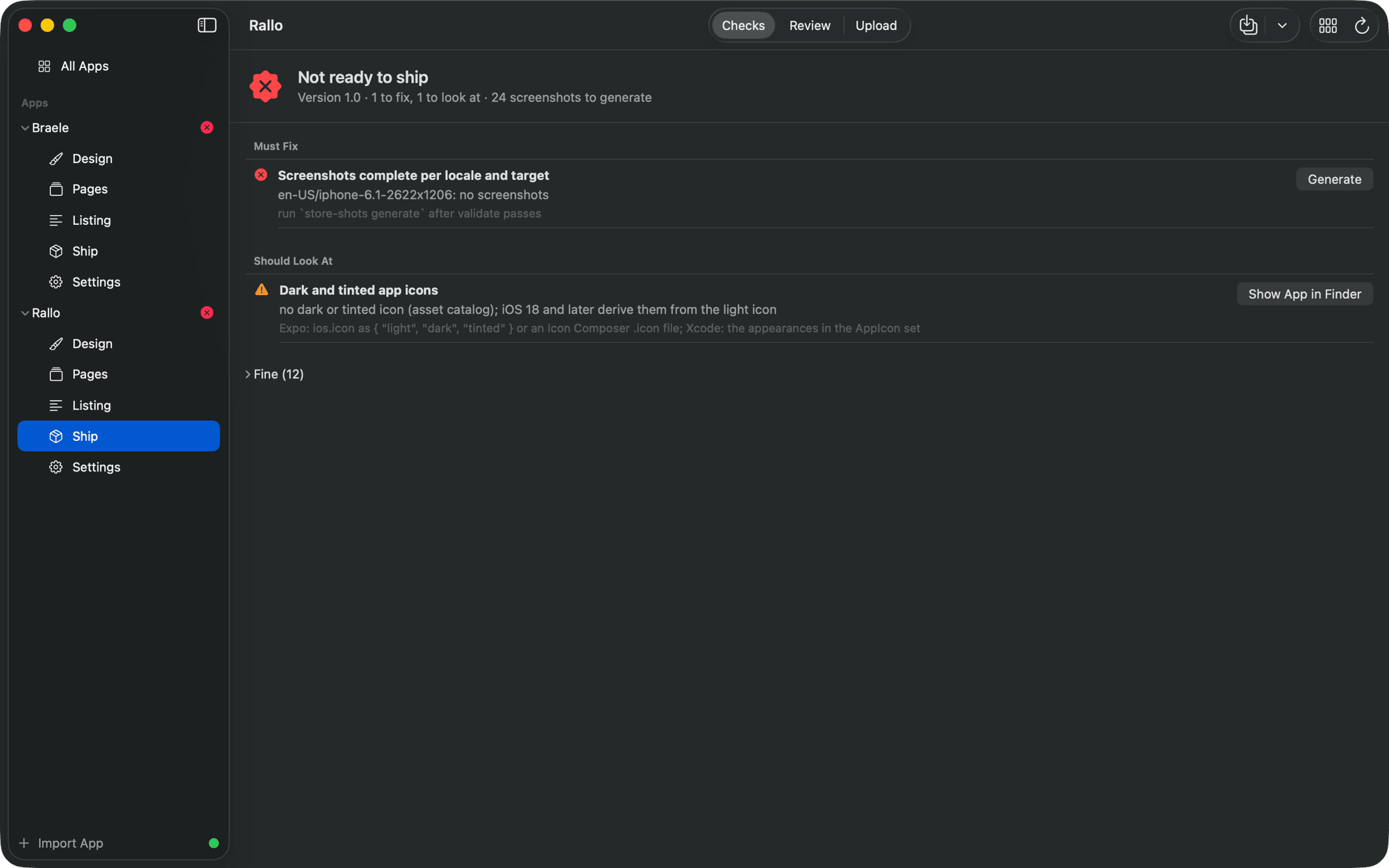
Ship (Command-4) is the last look before anything leaves your Mac. The checks follow Apple's own guidance; each says what is wrong and links to where you fix it. Check Again reruns them.
| Check | What it wants |
|---|---|
| No template placeholders left | No __APP_NAME__-style placeholders in the app's files, and no theme prompt left in the screenshot copy |
| Metadata present for every locale | Every language has its store text (What's New only from the second version on) |
| Metadata within App Store limits | Every field within Apple's limit; keywords in bytes |
| Keywords follow Apple's guidance | No plurals of words already there, category names, "app", repeats, very short terms, or words from the name |
| Screenshot sets cover the sizes Apple requires | iPhone 6.1" (a warning without it), and iPad 13" for an iPad app |
| Screenshots complete per locale and target | Every planned file exists, at the exact size, without alpha |
| Same screenshot count in every locale | No language with more or fewer screenshots than the others |
| A Dark Mode screenshot, if the app has Dark Mode | One screen marked Shows Dark Mode when the app follows the system appearance |
| App previews meet Apple's specification | Sizes, length, frame rate and count of the videos in store/previews/ |
| Header and search results images | Each one rendered is a size App Store Connect takes, a PNG, opaque |
| App icon is 1024x1024 opaque PNG | The store icon from app.json or the asset catalog |
| Dark and tinted app icons | Variants for iOS 18 and later; a warning, since iOS derives them when they are missing |
| Fastlane credentials present | An App Store Connect key the lanes can use (checked to exist, never read) |
| App version consistent | The screenshots were generated for the version the app is at |
A failing check blocks the upload lanes. Warnings do not.
From the command line:
store-shots readiness            # the same checks, with exit code 1 on a failure
store-shots readiness --json